 Klip
KlipKnow what's happening in your restaurant, from anywhere.
Checklists, menu allergens and inventory in one place, for your whole team. Every answer, photo and sign-off is recorded.
Free for teams of up to 10.
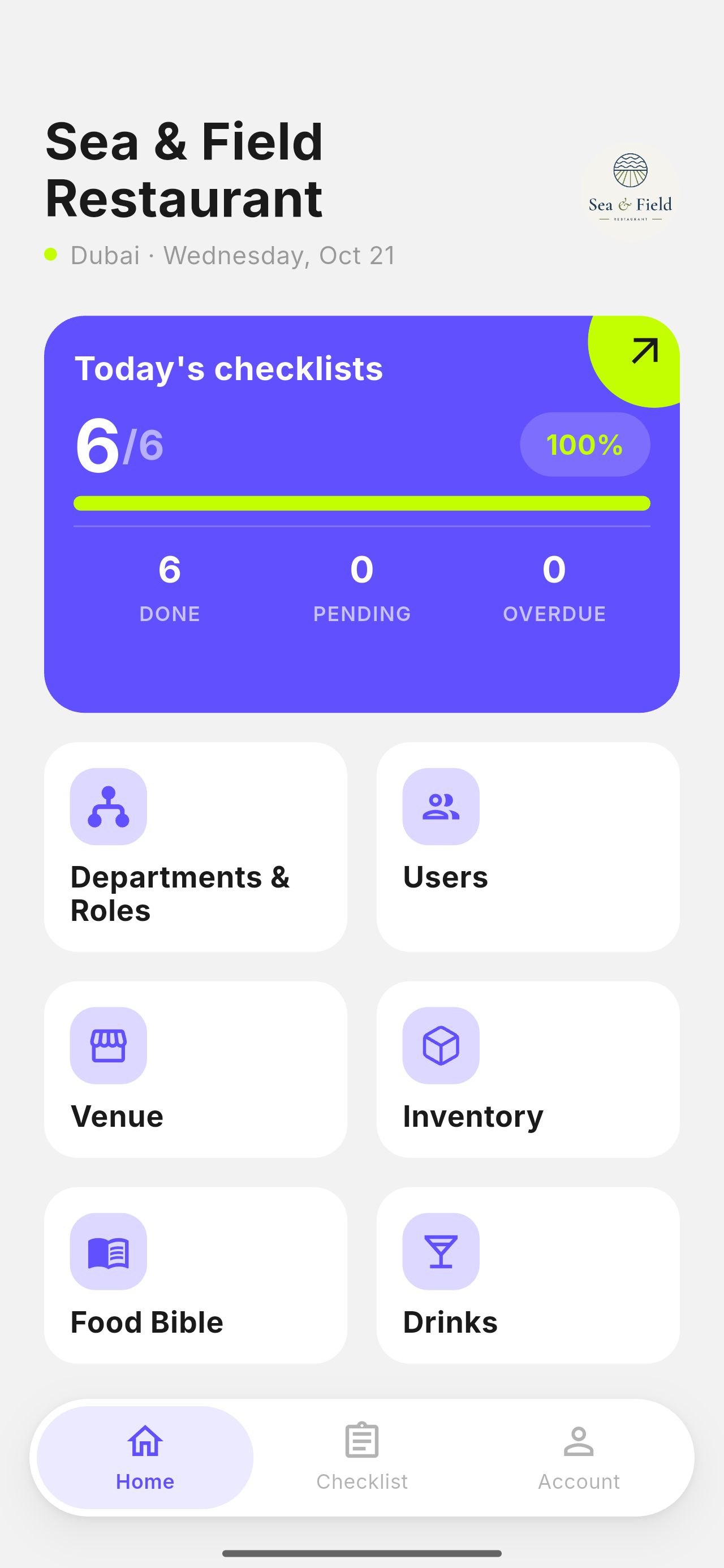
Built to bring order to restaurant operations.
Klip was born inside restaurant operations, out of the need to stop printing stacks of paper every week. Printed checklists are wasteful, hard to follow up and easy to lose, and there is no way to be sure the work was done right.
Klip was developed with input from staff and managers across the industry, so it adapts to the way each venue works, from a small café to a hotel with several departments. One app, one place for the whole team, and a clear view of what's happening in your restaurant, at any moment, wherever you are.
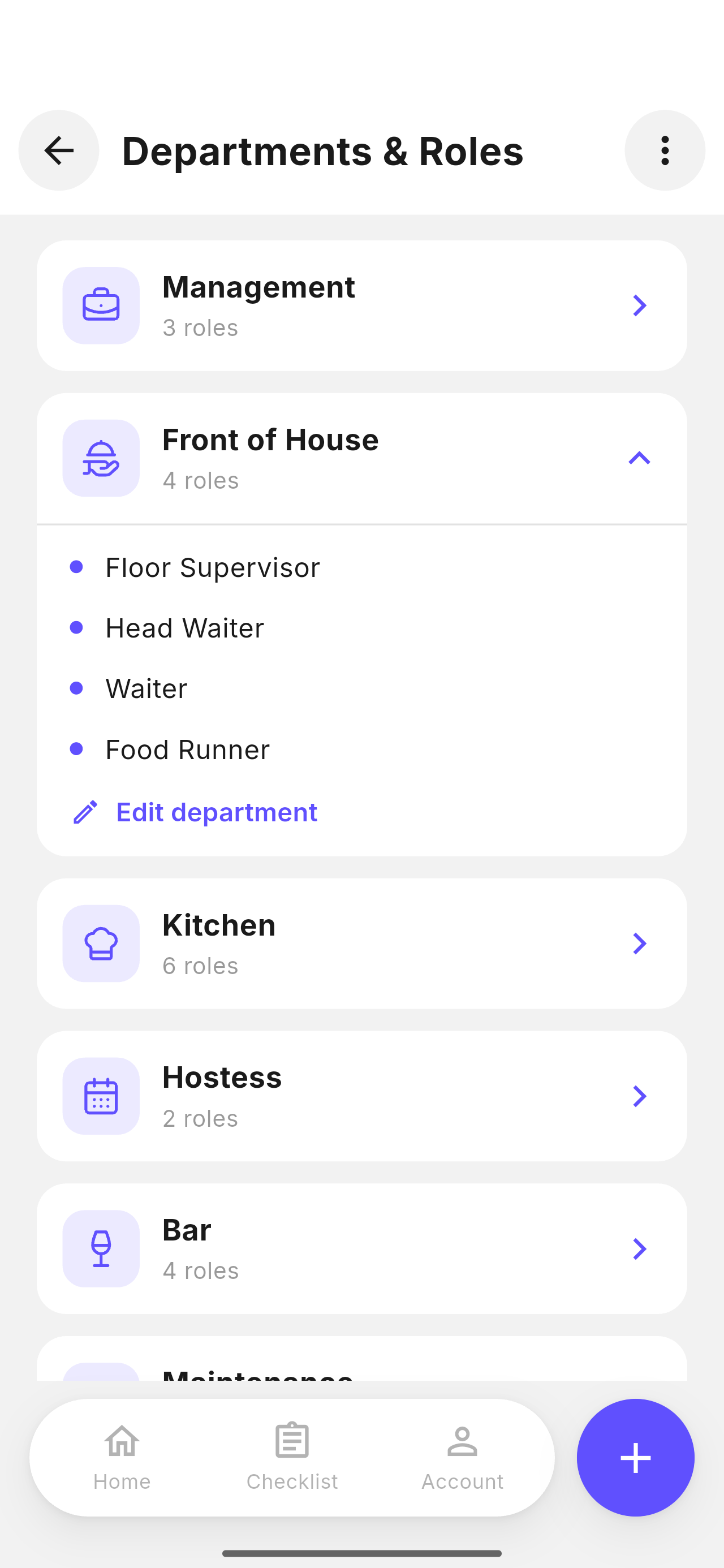
Organised by department
Create the departments and roles of your venue, such as Kitchen, Bar or Floor. Then assign each checklist to a whole department or to specific people, in a few taps.
Know when something is not up to standard
A reading outside its limits is flagged and needs a corrective action before the checklist can be submitted. The daily summary shows what needs attention.
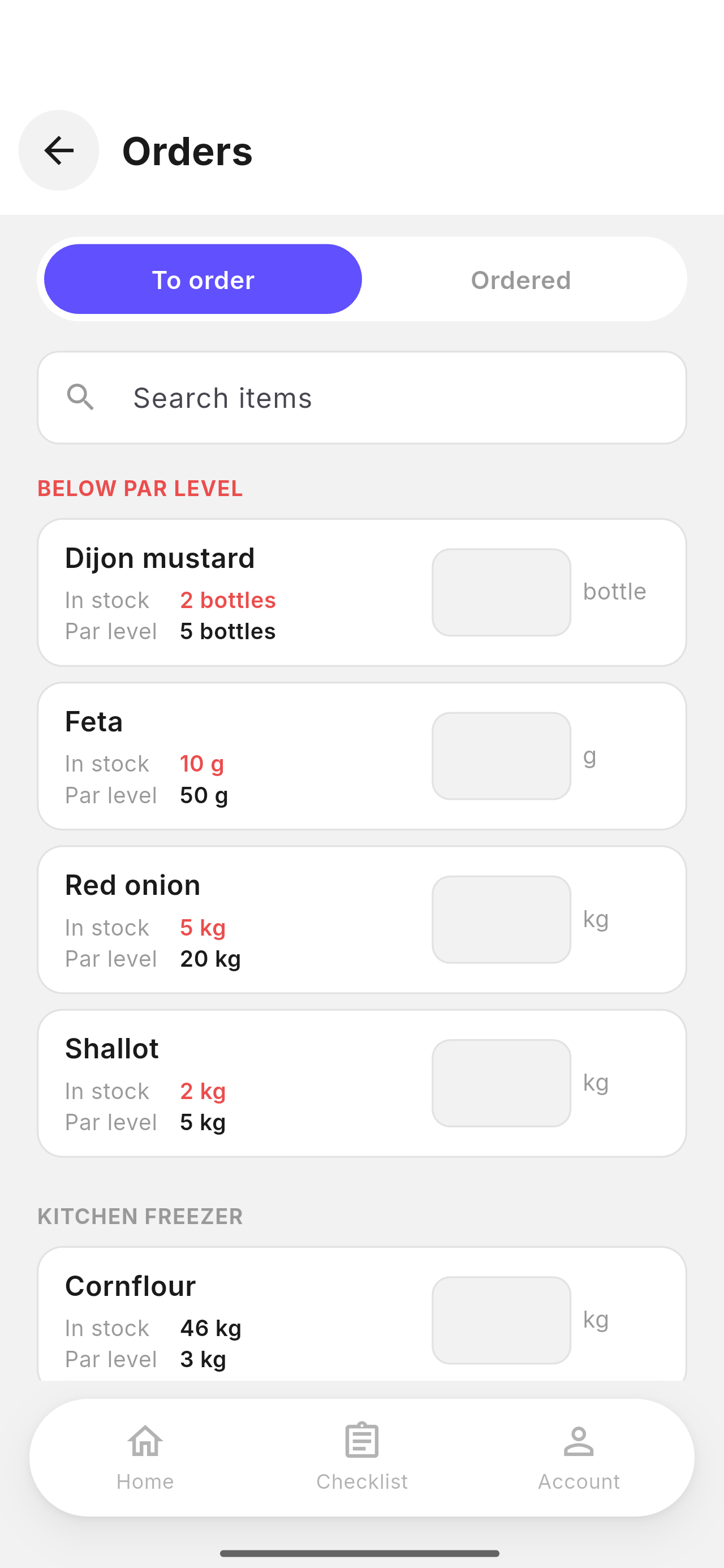
Inventory that tells you what to order
See which items are below their par level, all in one list.
Get started in three steps.
Set up your team
Departments, roles, and invite people by email with your venue code.
Create your checklists
Tasks, opening times, deadlines and who does them.
Follow every checklist
See what's done, late or missed, at any moment.
Every task asks for the right answer.
A tick is not enough for a fridge temperature. Each task records the kind of answer it needs, and the checklist can only be submitted when it is complete.
- Photos taken with the camera, never from the gallery
- Temperature in °C or °F, with a minimum and maximum
- A reading outside its limits needs a corrective action before the checklist can be submitted
- An opening time and an optional deadline. After the deadline the checklist locks; a manager can reopen it for one hour, and it is marked as late
- Checkbox, yes/no, number, text, date, time, photo and temperature. Tasks can be optional
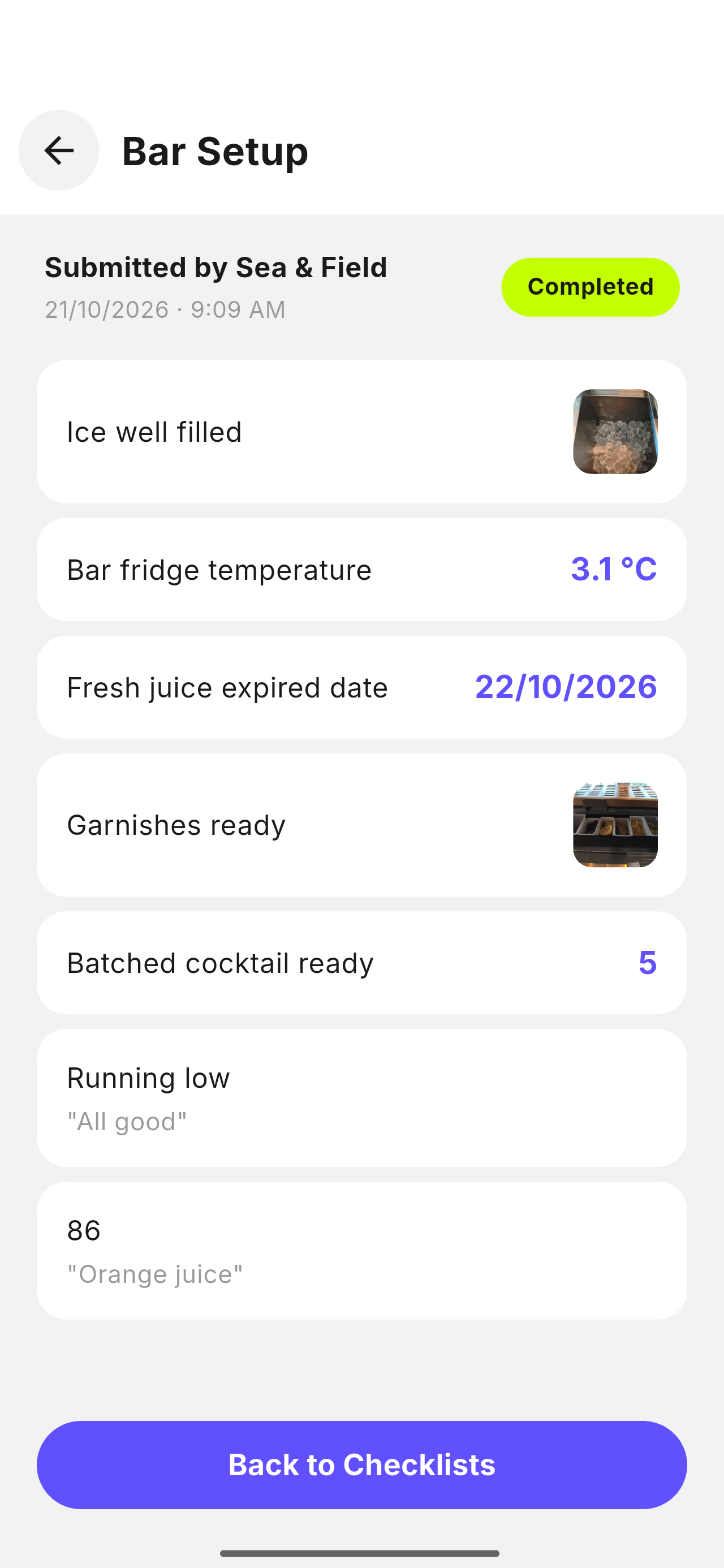
Every day on record.
Open any day and see exactly what happened, including what was missed.
- Who submitted each checklist, and when
- Photos, readings and corrective actions
- Late submissions shown in red
- Checklists that were never started, or left unfinished, are shown too
Saved as it happened
Answers, readings and late submissions are saved exactly as they happened. A missed checklist is shown, not hidden.
Each morning, managers can receive a summary of the previous day by email, with only the items that need attention.
Clear roles for every person.
Admins manage the venue and its plan. Managers create checklists and invite the team. Staff complete the checklists assigned to them. Each person has their own account.
- Departments and roles that match your venue
- Assign a checklist to a whole department or to specific people
- Invite your team by email with your venue code
- Staff who leave keep their account; your records stay with your venue
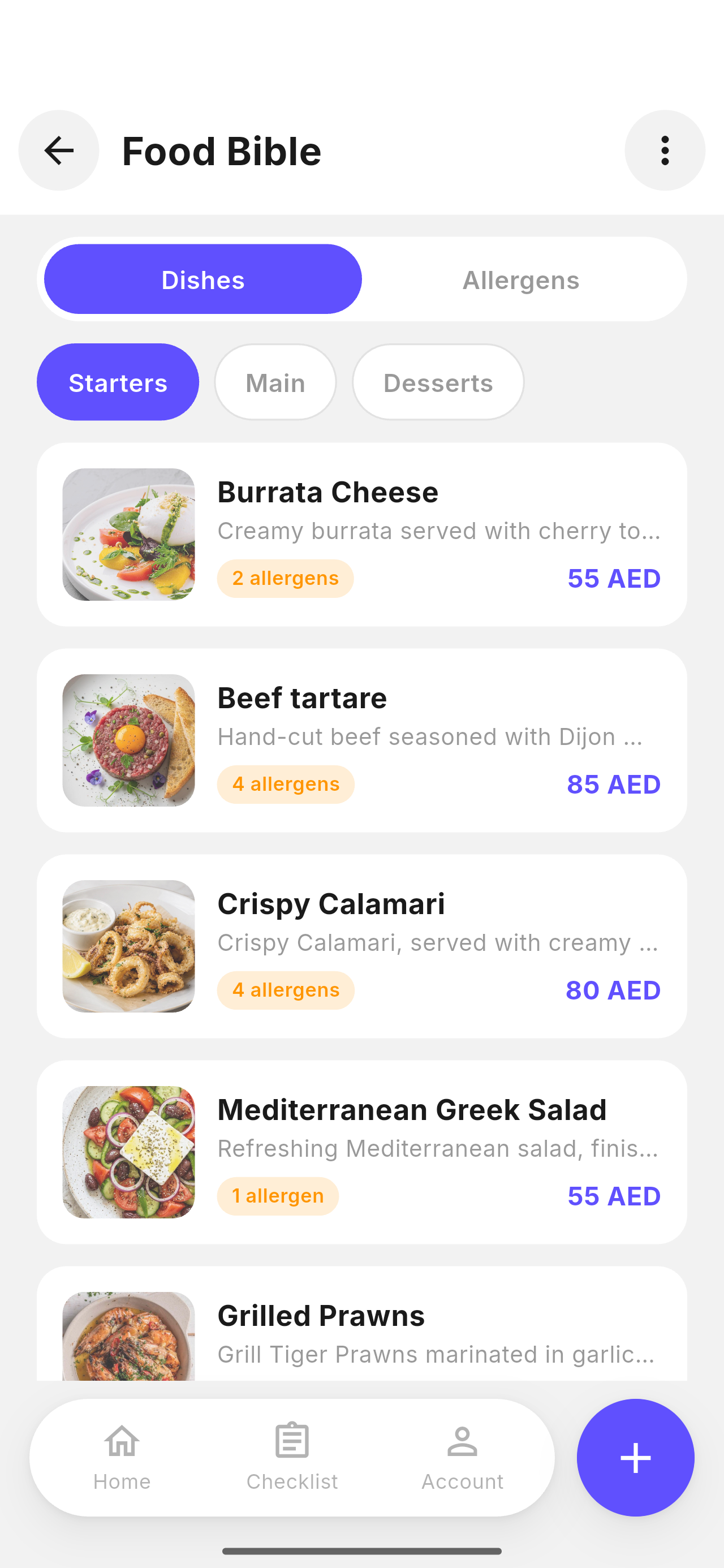
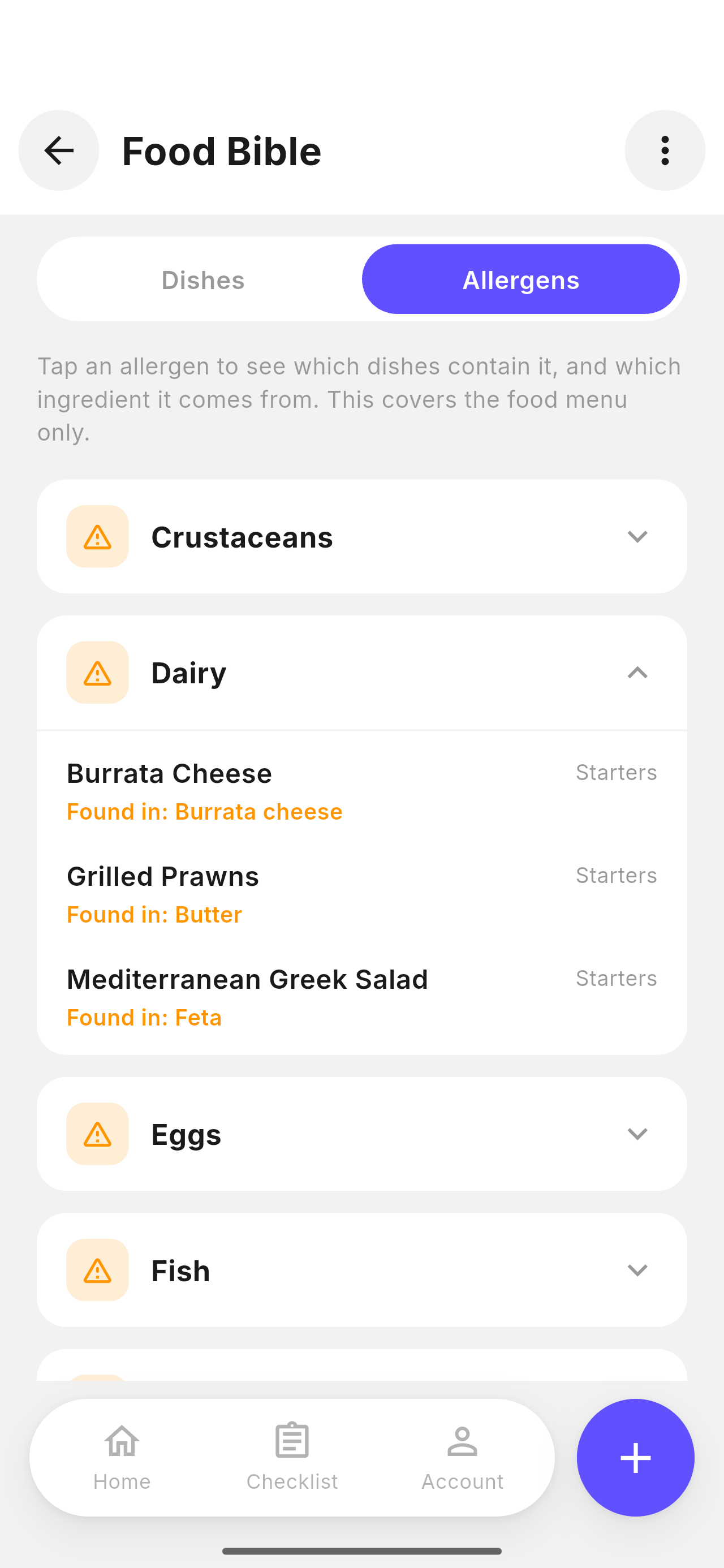
Answer every allergen question in seconds.
A guest has an allergy. Tap the allergen and see every dish that contains it, and the ingredient it comes from.
Mark an allergen once
On the ingredient, and every dish that uses it updates.
Food and drinks
Dishes, cocktails, mocktails and wine, with their ingredients.
Dietary notes
Alcohol and pork are shown separately from the 14 allergens.
Know what to order before you run out.
Set a par level for each item and Klip shows which ones are below it, all in one list to order.
- Set up in minutes: add items straight from your Food Bible or Drinks Menu, or add anything else, like napkins or gloves
- Count by storage area, with the date and the name of who counted
- Orders and deliveries: a short delivery is easy to see (18 of 20 kg)
- Changes appear for the whole team in seconds
What teams say
Every plan includes every feature.
Plans differ by the number of people and how long records are kept.
Pro
$49 / month
- Team members50
- Admins10
- Records kept1 year
- Photos kept90 days
- Team members
- All accounts in your venue: admins, managers and staff.
- Admins
- People who can change the plan and venue settings.
- Records kept
- How long checklist history is kept: who, when, readings and sign-offs.
- Photos kept
- How long checklist photos are kept.
Questions
Is there a free plan?
Yes, for teams of up to 10 people, with every feature.
Does everyone need their own account?
Yes. Each person has their own account, so every answer has a name.
Does it work on iPhone?
Android first. iPhone is coming soon.
What happens if a reading is out of range?
The checklist cannot be submitted until a corrective action is written.
Can someone tick a task without doing it?
Photos come only from the camera, readings are checked against limits, and every checklist records who signed it off and when.
How do I change my plan?
Contact us and we will change it for you.
Is my data private?
Each venue only sees its own data. Checklist photos are stored privately and deleted according to your plan.
Is Klip an official reporting tool?
No. Klip is where your team keeps its daily records and evidence. It does not replace any official reporting platform.
What languages does Klip support?
English for now.